🧩 Problem:
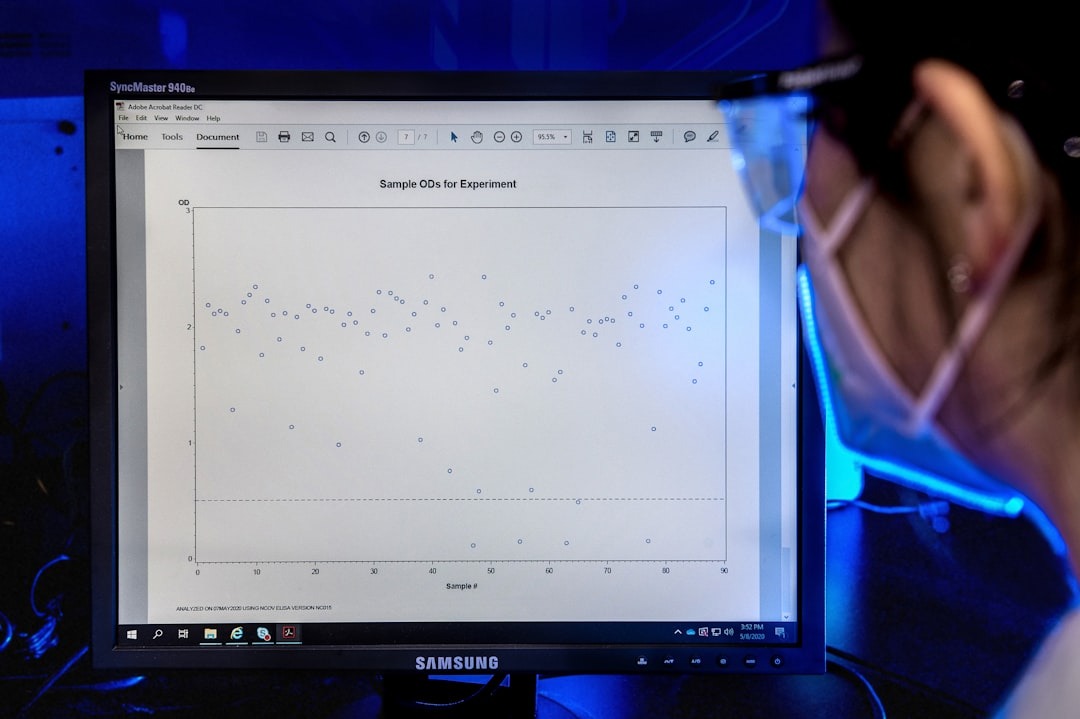
Dealing with large amount of data from research papers
Analyzing and synthesizing insights across hundreds of papers is a time-consuming and error-prone process, often requiring manual review and fragmented tools.
✅ Results:
AI Tool to extract what’s important
Users were able to interpret summarized research insights significantly faster than with manual review

🧪 Project Design — Curedatis
Curedatis is a SaaS platform designed to accelerate medical research by leveraging AI to analyze hundreds of scientific papers, extract relevant keywords, and generate curated insights for research, audit, and legal use cases.
I worked as a Product Designer, collaborating closely with a UX Researcher and Product Owner to shape the product from early discovery through validated UI concepts and a production-ready design system.
📬Project Info:
Role: Product Designer
Company: Curedatis
Timeline: 1 year (Design team effort)
Tools: Figma, Maze, Adobe CC
Deliverables: Product design, UX research, testing & marketing alignment
🧭1. Overview
Medical research teams, pharmaceutical companies, and academic institutions rely on large volumes of scientific literature to inform decisions. However, analyzing and synthesizing insights across hundreds of papers is a time-consuming and error-prone process, often requiring manual review and fragmented tools.
Before Curedatis:
- Researchers analyzed papers individually, slowing down discovery
- Insights were difficult to consolidate and reuse
- Existing tools lacked structure for legal and audit-ready analysis
- There was no clear standard for summarizing, validating, and presenting findings at scale
Because Curedatis was a new product, the primary challenge was not only solving the user problem, but defining the product itself—understanding real user needs within a highly specialized medical research niche and validating whether proposed workflows made sense to potential customers.
🛠️ 2. Research & Approach
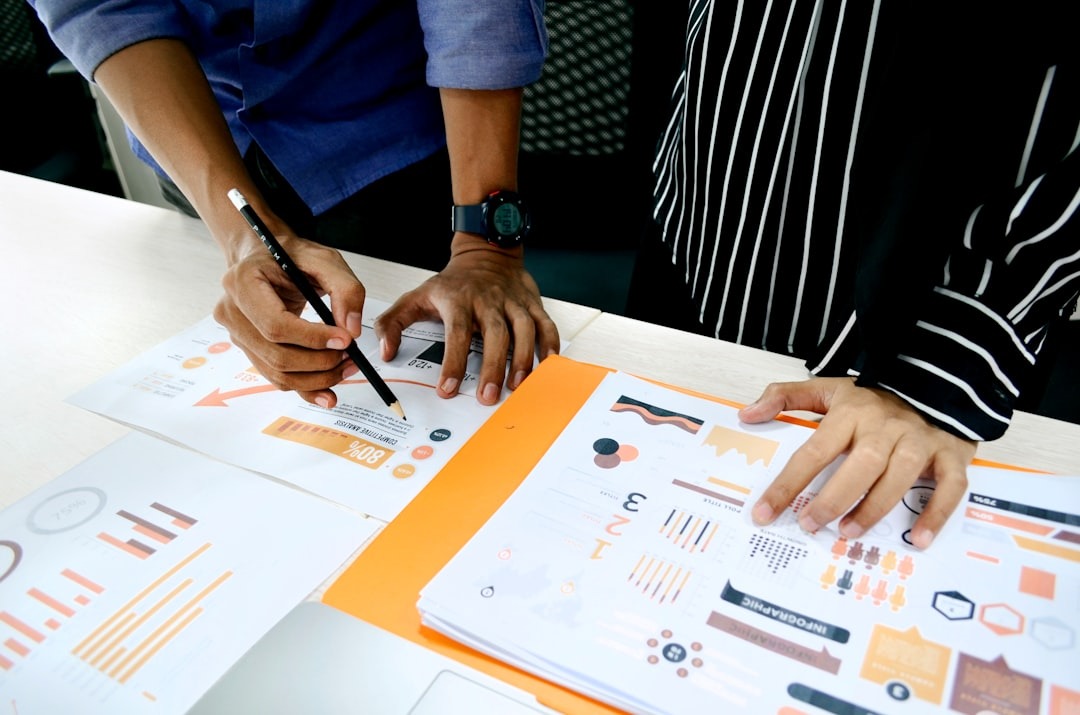
To design a useful and usable product for this niche audience, we focused heavily on early research and validation.
Together with the UX Researcher and Product Owner, we:
- Conducted user interviews with medical researchers and research-adjacent roles
- Ran surveys to validate assumptions around workflows and expectations
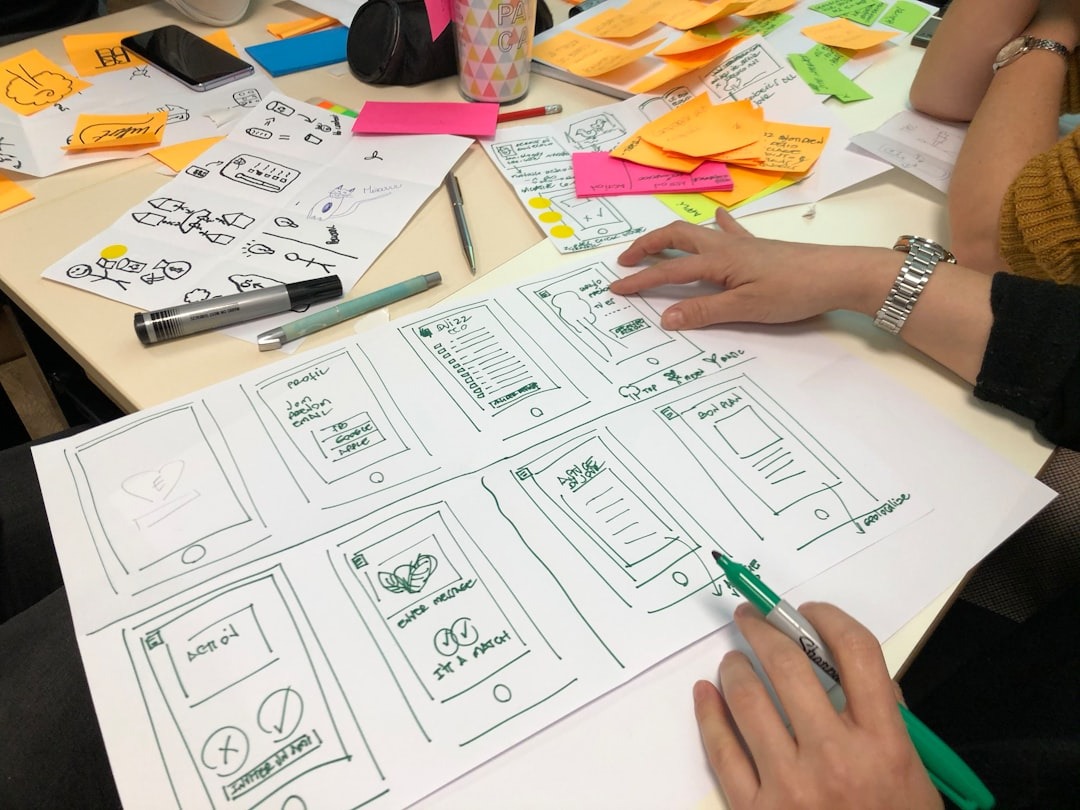
- Tested early concepts through usability testing using interactive prototypes
Given the specificity of the domain, one of the main challenges was learning how users think about research synthesis, credibility, and traceability—especially in legal and audit contexts.
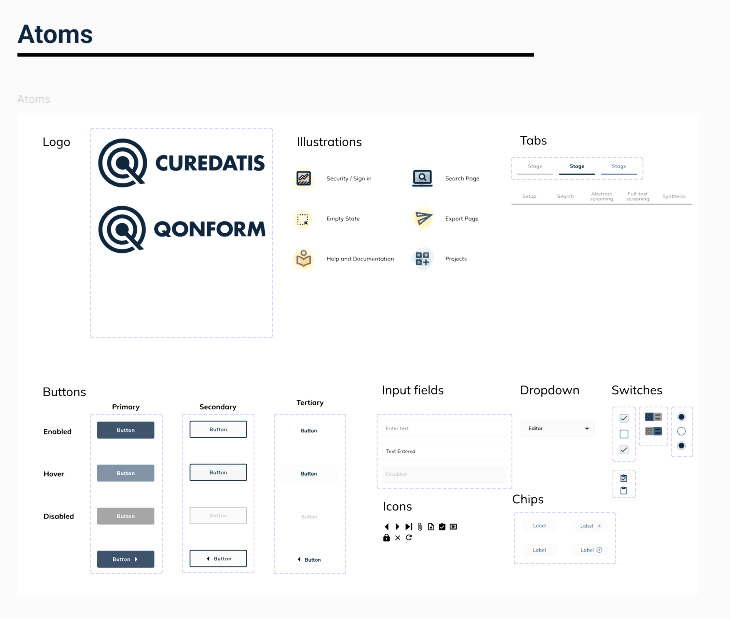
Design Process
As Product Designer, I was responsible for:
- Defining user journeys from paper ingestion to insight generation
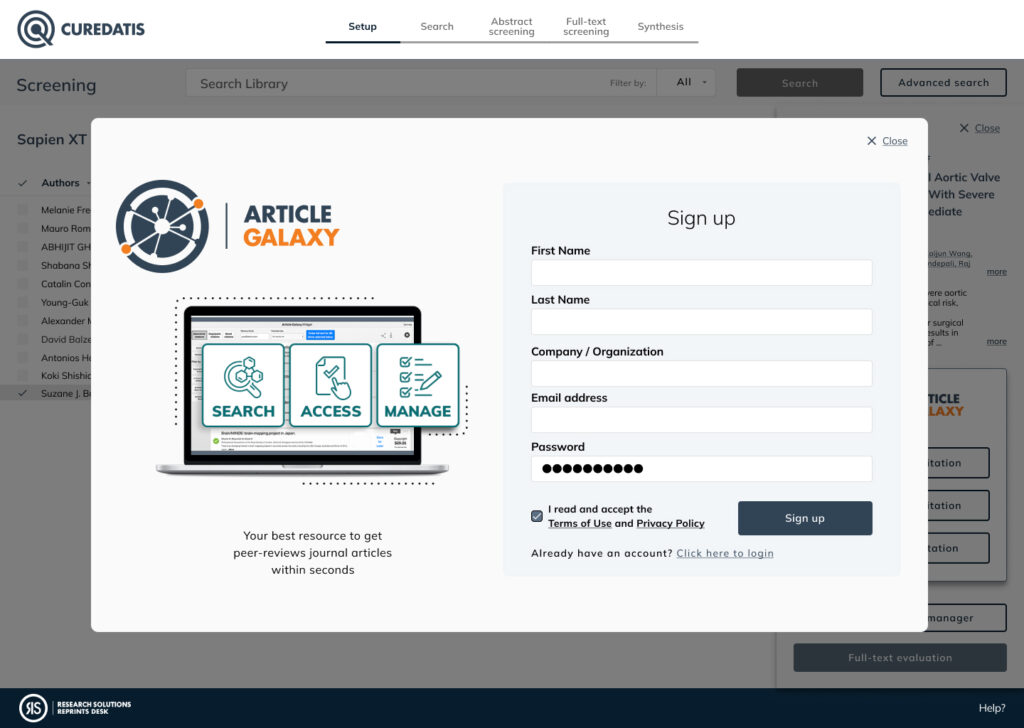
- Designing the core dashboard experience
- Structuring research reports to be clear, scannable, and defensible
- Translating complex data outputs into understandable UI patterns
- Implementing a new company design system across the product
Tools used
- Figma for flows, UI design, and system components
- Maze for usability testing and prototype validation
Special attention was given to:
- Supporting both exploratory research and structured reporting needs
- Reducing cognitive load when reviewing large datasets
- Making AI-generated insights transparent and trustworthy
📈 3. Results & Impact
After multiple testing rounds and iterations, the final product concepts showed strong signals of usability and value.
Key outcomes
- Users were able to interpret summarized research insights significantly faster than with manual review
- Test participants reported higher confidence in understanding how insights were generated
- Dashboard and report layouts enabled quicker decision-making for both research and legal contexts
- Stakeholders responded positively to the clarity and structure of the reporting experience
Metrics
- Improved task completion rates during usability testing
- Reduced time spent navigating and interpreting research results
- Increased perceived trust in AI-generated summaries
The final designs provided a strong foundation for launching a new SaaS product tailored to a highly specialized audience, balancing advanced capabilities with usability and clarity.
🖼️ 4. Process
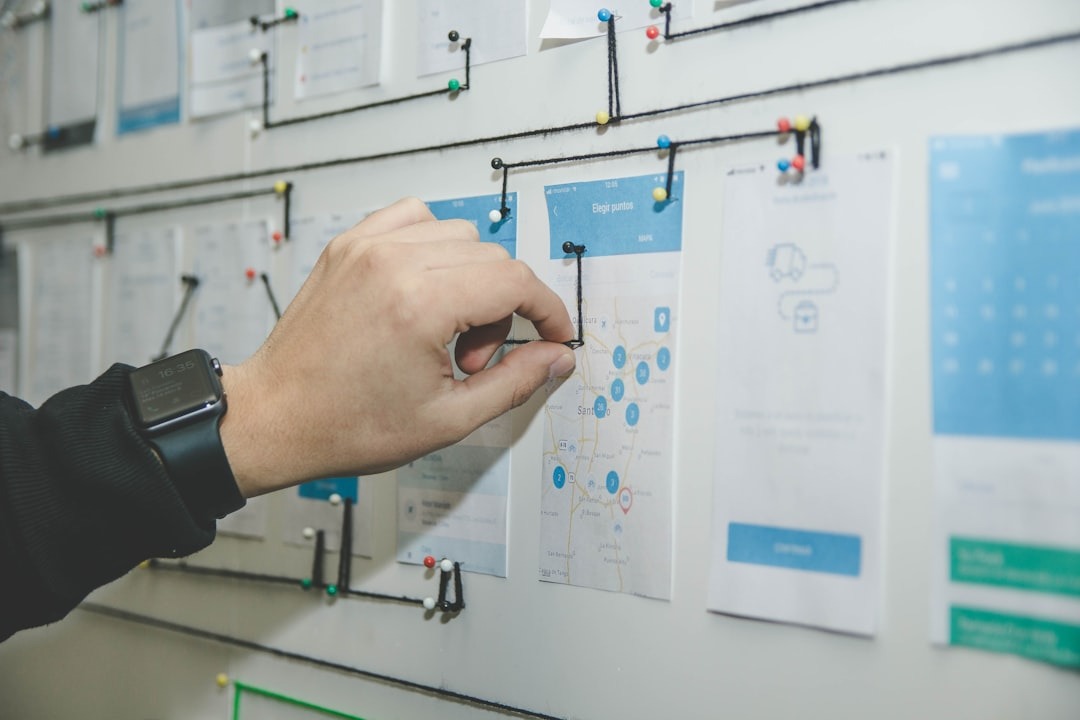
User flow test with current and new users
Design system including Figma instructions on usage
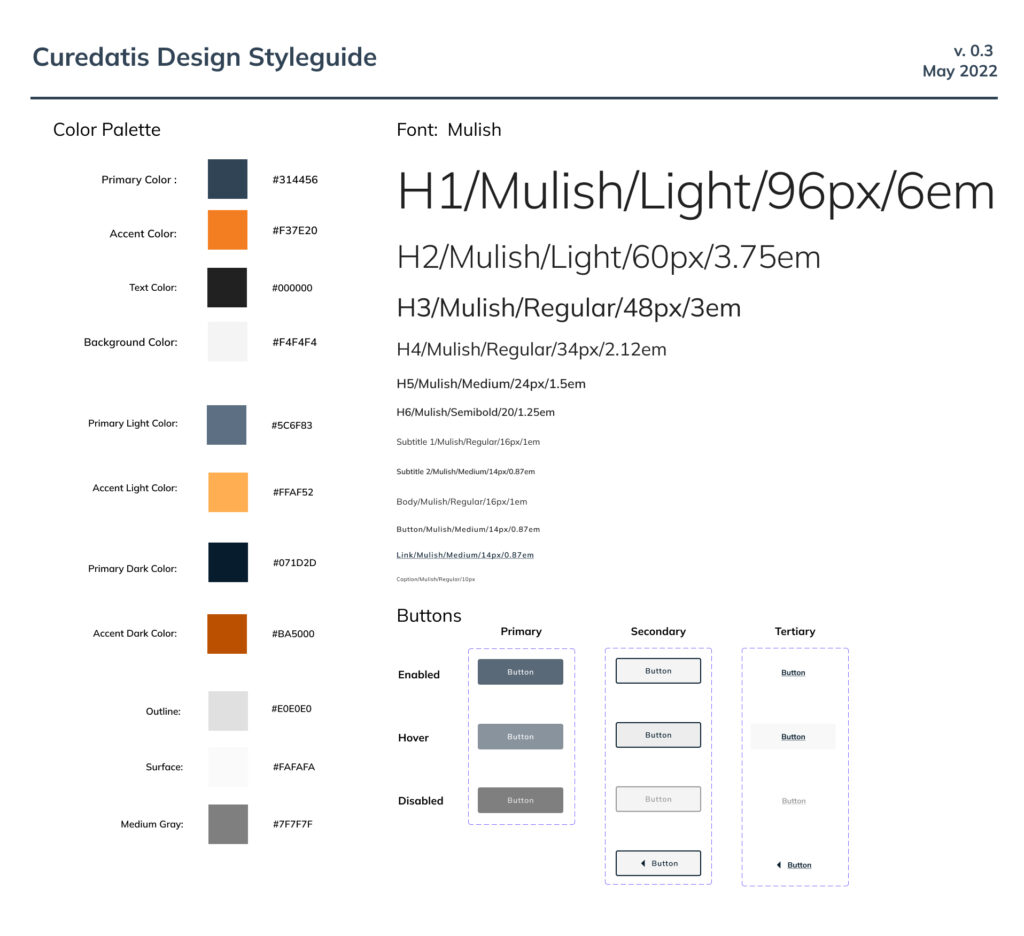
New brand and Product image, mobile adaptation and Marketing campaigns.